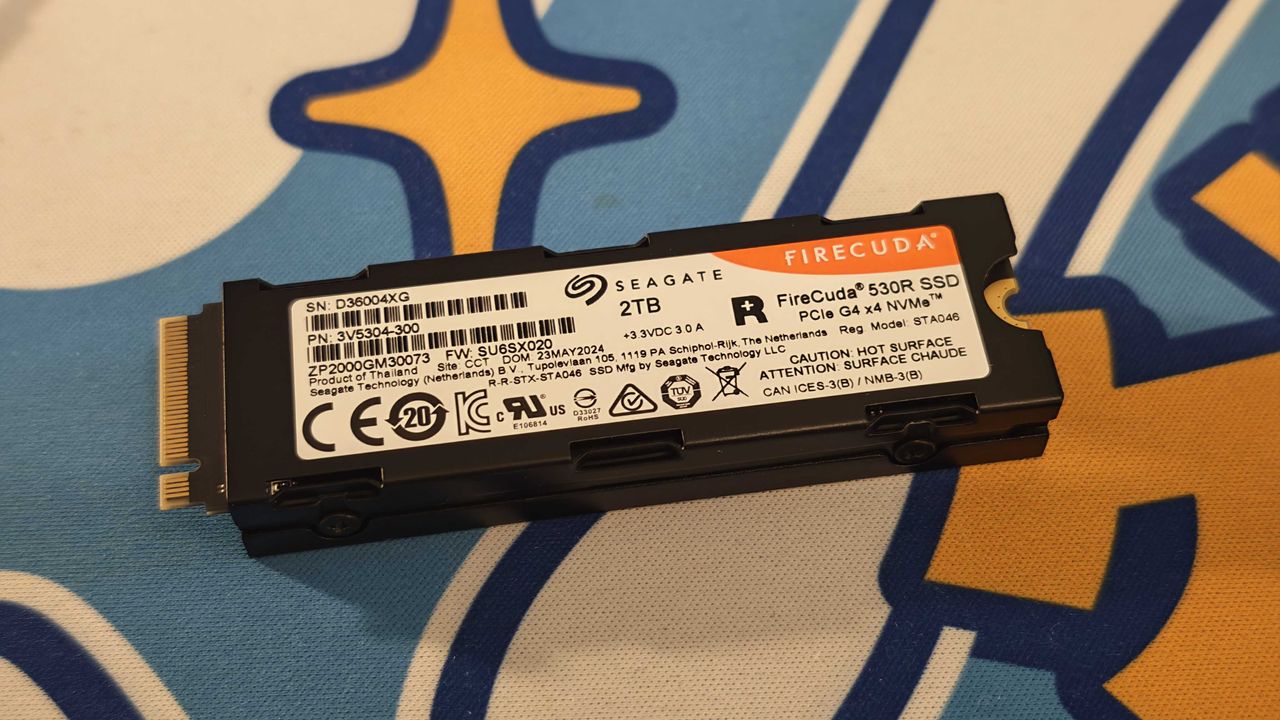
Seagate and Western Digital HDDs dominate reliability charts

  • Seagate and Western Digital dominate reliability rankings across massive real-world datasets
  • Annualized failure rate falls to 1.36% across 344,196 drives
  • Vibration emerges as the suspected cause behind the sudden reliability collapse

Backblaze has released its 2025 drive reliability data, offering one of the clearest large-scale snapshots of HDD performance in active data centers.

The cloud storage and data backup firm examined 344,196 drives that collectively operated for 115,638,676 days during the year, finding 4,317 drives in the pool failed, resulting in an Annualized Failure Rate (AFR) of 1.36%.

Despite the failure, the figure is an improvement over the previous year’s 1.57% and continues a gradual decline from earlier results – and every model in the fleet recorded at least one failure, which reinforces that no HDD is immune to wear or operational stress.

However, several drives stood out for exceptionally low failure counts. The Seagate ST16000NM002J 16TB recorded just one failure across the year.

Western Digital WUH722626ALE6L4 26TB also logged a single failure, though it was deployed for only one quarter.

Toshiba’s MG09ACA16TE 16TB followed with three failures, while the Seagate ST12000NM000J 12TB and HGST HMS5C4040BLE640 4TB recorded four and five failures, respectively.

While those results support Seagate and Western Digital models as strong performers in this dataset, the same report identified drives with elevated quarterly failure rates.

In the fourth quarter of 2025, the HGST HUH728080ALE600 8TB posted a 10.29% failure rate, marking the first double-digit figure for that model.

Backblaze investigated potential environmental causes, including temperature and airflow, but ruled them out.

Vibration is now considered a possible factor, although these units are roughly 7.5 years old and already scheduled for retirement.

Other drives with notable fourth quarter rates include the Seagate ST10000NM0086 10TB at 5.23% and the Toshiba MG08ACA16TEY 16TB at 4.14%.

Toshiba’s figure represents a significant drop from 16.95% in the prior quarter, following a firmware update intended to correct the issue.

The rate remains higher than the fleet average, but further normalization is expected as updated firmware deployment continues.

Beyond reliability metrics, the report also reveals that storage economics keep shifting as HDD capacity continues to increase.

However, the cost per gigabyte had been trending downward before supply disruptions in late 2025 affected memory and storage components.

Despite remaining cheaper than SSDs and RAM on a per — gigabyte basis, HDD prices have risen with the Seagate Barracuda 24TB now selling for $389.99 on Newegg, a 56% increase from its $249.99 price tag a few months ago.

These results suggest that reliability gains are incremental rather than dramatic, and that drive age, workload, and environment remain critical variables.

While the aggregate AFR improved, individual model performance still varies significantly.

Therefore, there is a need for careful deployment decisions that consider workload demands and even CPU-level data handling patterns.

Follow Sohh.comon Google News and add us as a preferred source to get our expert news, reviews, and opinion in your feeds. Make sure to click the Follow button!

And of course you can also follow Sohh.comon TikTok for news, reviews, unboxings in video form, and get regular updates from us on WhatsApp too.

Like this article? For more stories like this, follow us on MSN by clicking the +Follow button at the top of this page.
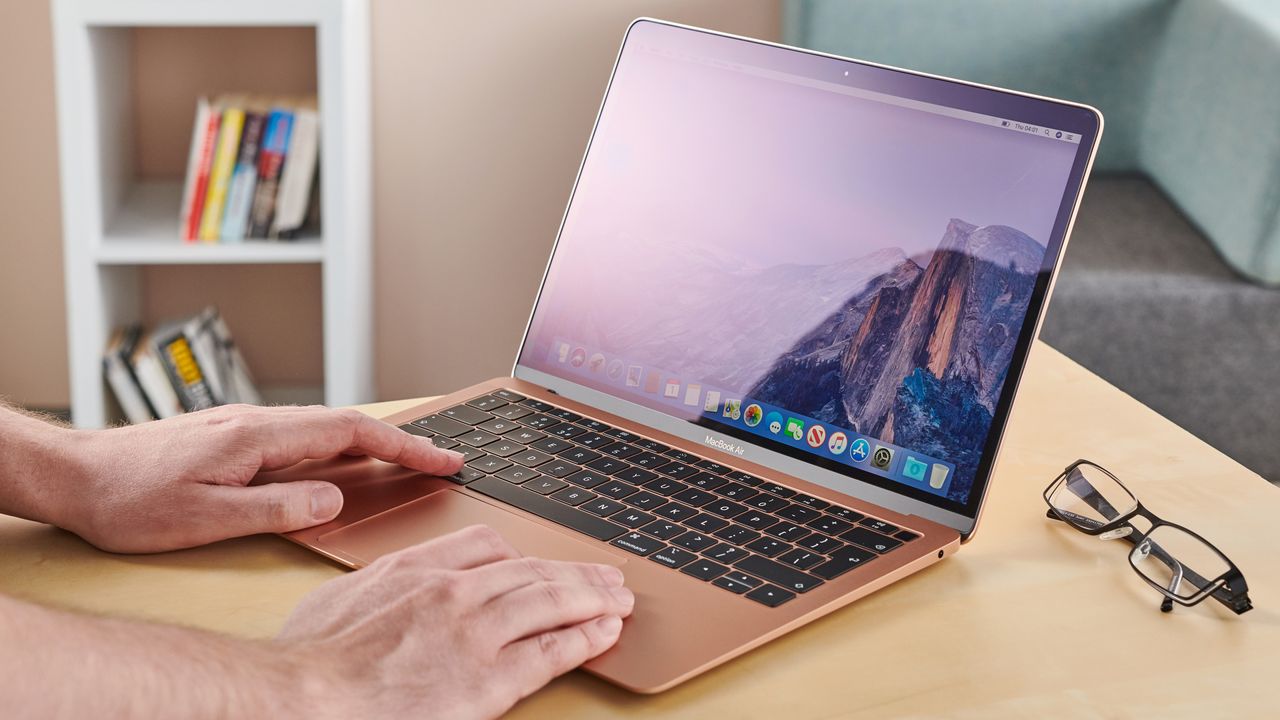
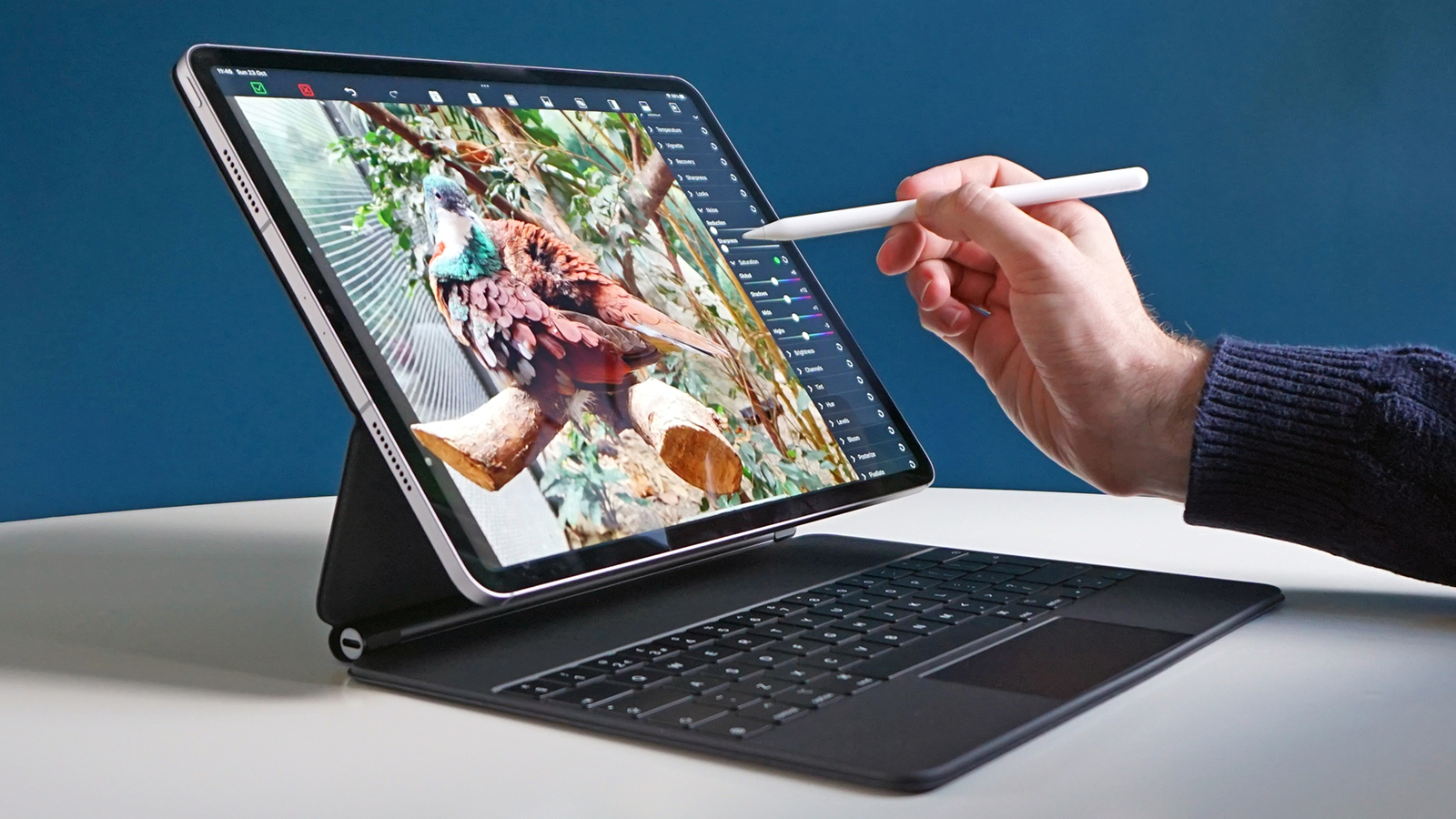
Thinking of buying an iPad Air? The upcoming budget MacBook may be a much better alternative – here’s why

Apple isn’t exactly known for undercutting its rivals with affordable price tags, so it’s unusual to hear that the premium brand is on the verge of launching an affordable MacBook – or so the rumors claim.

That growing speculation, which comes from reputable sources including Bloomberg’s Mark Gurman and Ming-Chi Kuo, suggests that a cheaper MacBook could arrive as soon as March 4 in a variety of bright colors.

The new laptop will apparently be much cheaper than Apple’s current lowest-priced MacBook, the $999 MacBook Air, with the price tag potentially going as low as $599 or $699.

On paper, that means it could be a great option for people considering getting an iPad Air. And in my view, it’ll likely be a much better choice for a lot of people.

A tempting iPad alternative

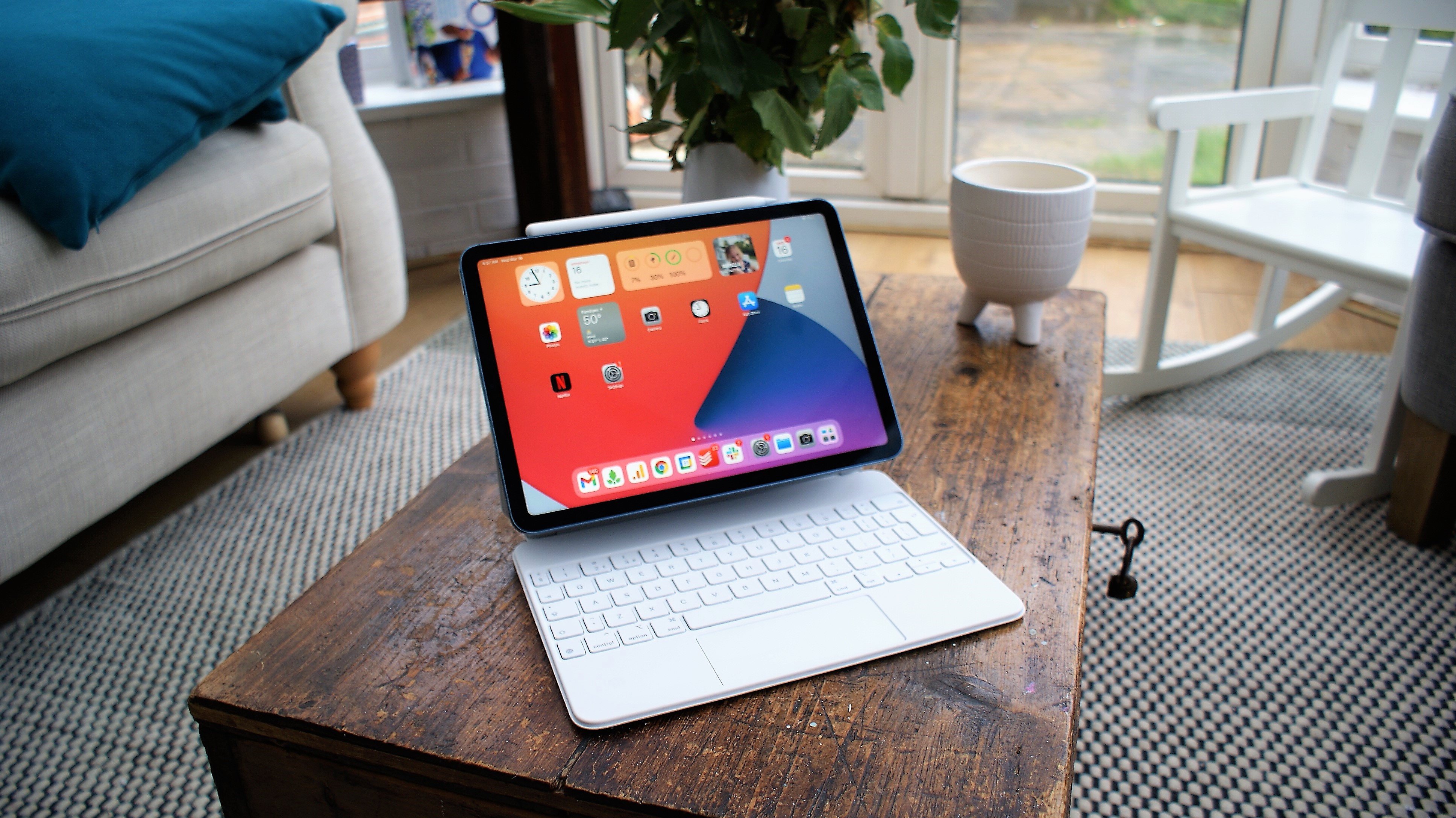
For years, customers looking for an affordable MacBook have been told to get an iPad and pair it up with a keyboard case. That brings both protection and a laptop-like experience without the high cost of one of Apple’s laptops.

But I’ve never been wholly convinced by this argument. Sure, combining an iPad with a keyboard case is cheaper than a shelling out on a MacBook, but in my view the experience isn’t anywhere near as good.

For one thing, iPadOS doesn’t feel as powerful as macOS – it’s designed for touch controls rather than a mouse and keyboard (despite some recent improvements), and many of the best Mac apps and Mac games are not compatible with iPadOS.

Keyboard cases also aren’t as satisfying to type on as a mechanical keyboard made for the Mac – and while you could pair one of these up with an iPad, doing so compromises its portability. If you’re a Mac fan looking to get the same typing feel on an iPad, you’ve got to make some sacrifices.

That’s where the rumored cheaper MacBook, which will apparently be powered by an A18 Pro iPhone chip, could neatly fill a gap.

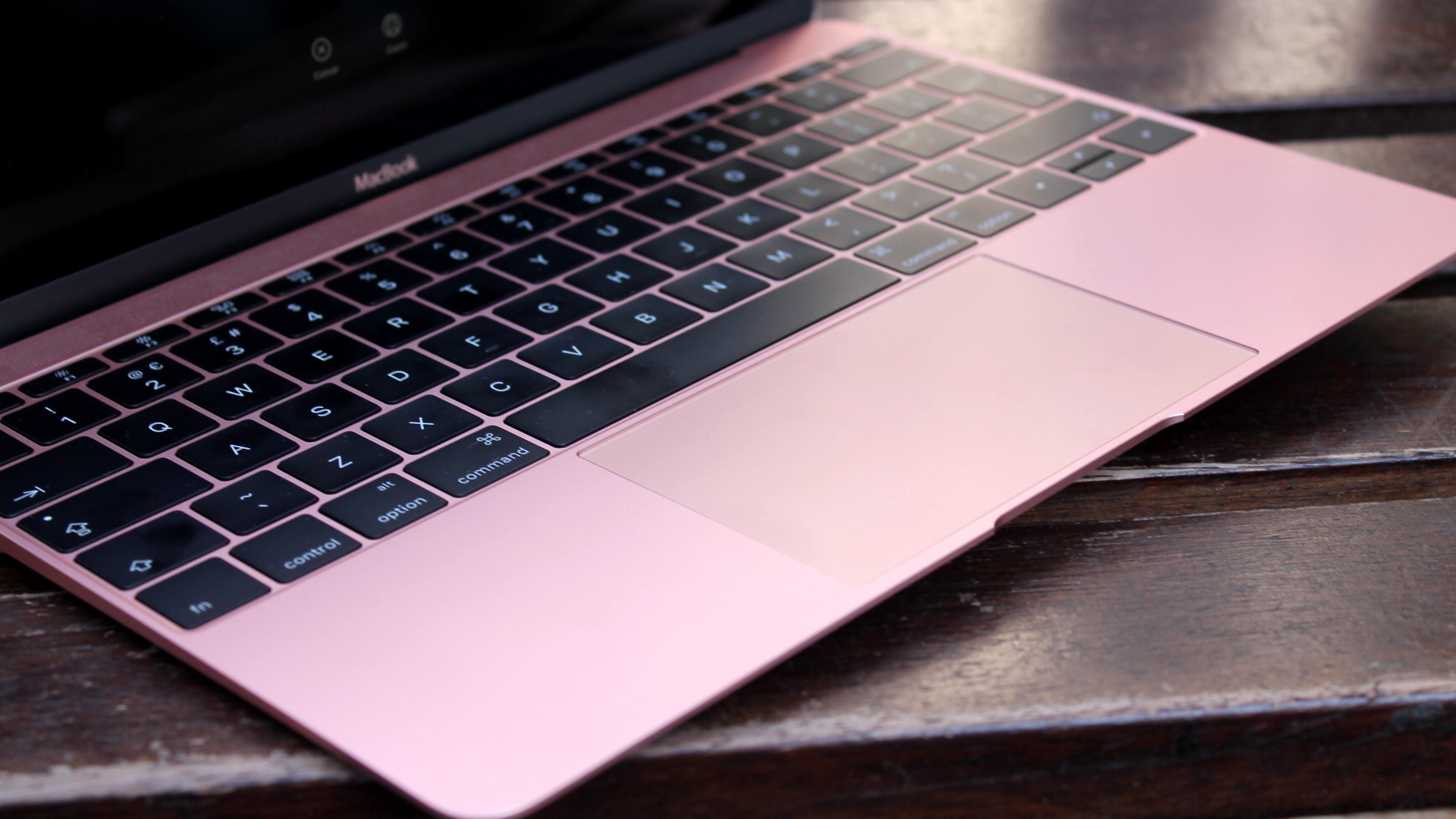
It’ll apparently be available in an array of “playful colors,” with Apple testing “light yellow, light green, blue, pink, classic silver and dark gray” over the past year. That makes it reminiscent of the iPhone 5c, which was a cheaper iPhone that came with several bright color options.

But unlike the iPhone 5c, the affordable MacBook will feature an aluminum chassis, meaning it’ll dodge the route taken by some budget laptops that are kitted out in flimsy plastic. Gurman says that Apple won’t be “cutting corners” when it comes to the device’s build quality, and that makes sense given Apple’s tendencies.

It’s also an important decision, as this low-cost MacBook will be many people’s initial experience of the Apple ecosystem. Clearly, Apple doesn’t want to give them a bad first impression.

By maintaining the quality, Apple also gives iPad users another reason to consider switching to the Mac. The use of aluminum ensures there’s no loss of quality by stepping up from, say, a $599 iPad Air to a MacBook that’s expected to cost around $700. If the new MacBook was made of plastic, that would be instantly off-putting for any existing iPad user.

Which should you pick?

That’s what we expect on a surface level, but how might the low-cost MacBook compare to the iPad Air’s performance? After all, a MacBook that feels great in the hand isn’t worth much if it can’t compete with a cheaper iPad Air.

One of the key questions is the chip housed inside the MacBook. This is widely touted to be Apple’s A18 Pro that originally launched in the iPhone 16 Pro in 2024. The current iPad Air, meanwhile, uses the M3 from 2023.

Despite the former being a mobile chip and the latter being designed for Macs, the two chips actually offer fairly similar performance according to benchmarks, with the A18 Pro pulling slightly ahead in single-core tests and the M3 taking the lead in multi-core performance.

Another area where customers will potentially find similarities is the display. The iPad Air can be bought in 11-inch and 13-inch sizes, while Gurman’s reporting has claimed Apple will offer the MacBook with a display that’s a little smaller than the MacBook Air’s 13.6-inch screen. Gurman says the MacBook’s display will be a “lower-end LCD display,” and while we don’t know exactly how that compares to the iPad Air, that tablet also uses LCD tech (as opposed to OLED or mini-LED).

Given the larger internal space in a laptop compared to a tablet, though, one key difference we can expect is with the battery. The current iPad Air will last up to 10 hours of web browsing or video playback, according to Apple. The 13-inch MacBook Air, meanwhile, goes strong for up to 18 hours, with the slightly larger 14-inch MacBook Pro lasting for up to 24 hours. If battery life is important to you, the upcoming MacBook is likely to be a better bet than the iPad Air.

That said, the iPad’s flexibility is undoubtedly something the MacBook won’t be able to match. You can use the iPad Air as a tablet or as a laptop-style device when paired with a keyboard, and it packs in touchscreen tech that will be absent in the MacBook. It’s also much more compact and lightweight and can more easily fit into a backpack on your travels.

That all suggests that picking between the forthcoming MacBook and one of Apple’s tablets isn’t going to be a straightforward affair. But if you’re thinking of buying a mid-range iPad, it does mean it’s worth waiting until early March to find out.

A return to the Steve Jobs way

Apple co-founder Steve Jobs often said that he wanted to make good-quality tech products affordable, and many of the products he developed can be seen to have achieved that.

The original iPad, for example, was priced far lower than most analysts expected, despite its trailblazing features. The iMac G3, too, launched at close to half the price of comparable computers and helped to revolutionize the entire PC industry.

As Jobs himself put it, “I love it when you can bring really great design and simple capability to something that doesn’t cost much … It was the original vision for Apple.”

In that sense, we shouldn’t be too surprised to see an affordable MacBook make an appearance in Apple’s product roster. Making great tech at an approachable price has a strong history at Apple, even if it’s been hard to spot in recent years.

And if you’ve been looking to pick up a new iPad, it might just give you more food for thought.

Follow Sohh.comon Google News and add us as a preferred source to get our expert news, reviews, and opinion in your feeds. Make sure to click the Follow button!

And of course you can also follow Sohh.comon TikTok for news, reviews, unboxings in video form, and get regular updates from us on WhatsApp too.

Like this article? For more stories like this, follow us on MSN by clicking the +Follow button at the top of this page.

Two of the best Steam Frame features are available for the Galaxy XR right now, and I’m loving what they’re doing for my gaming performance

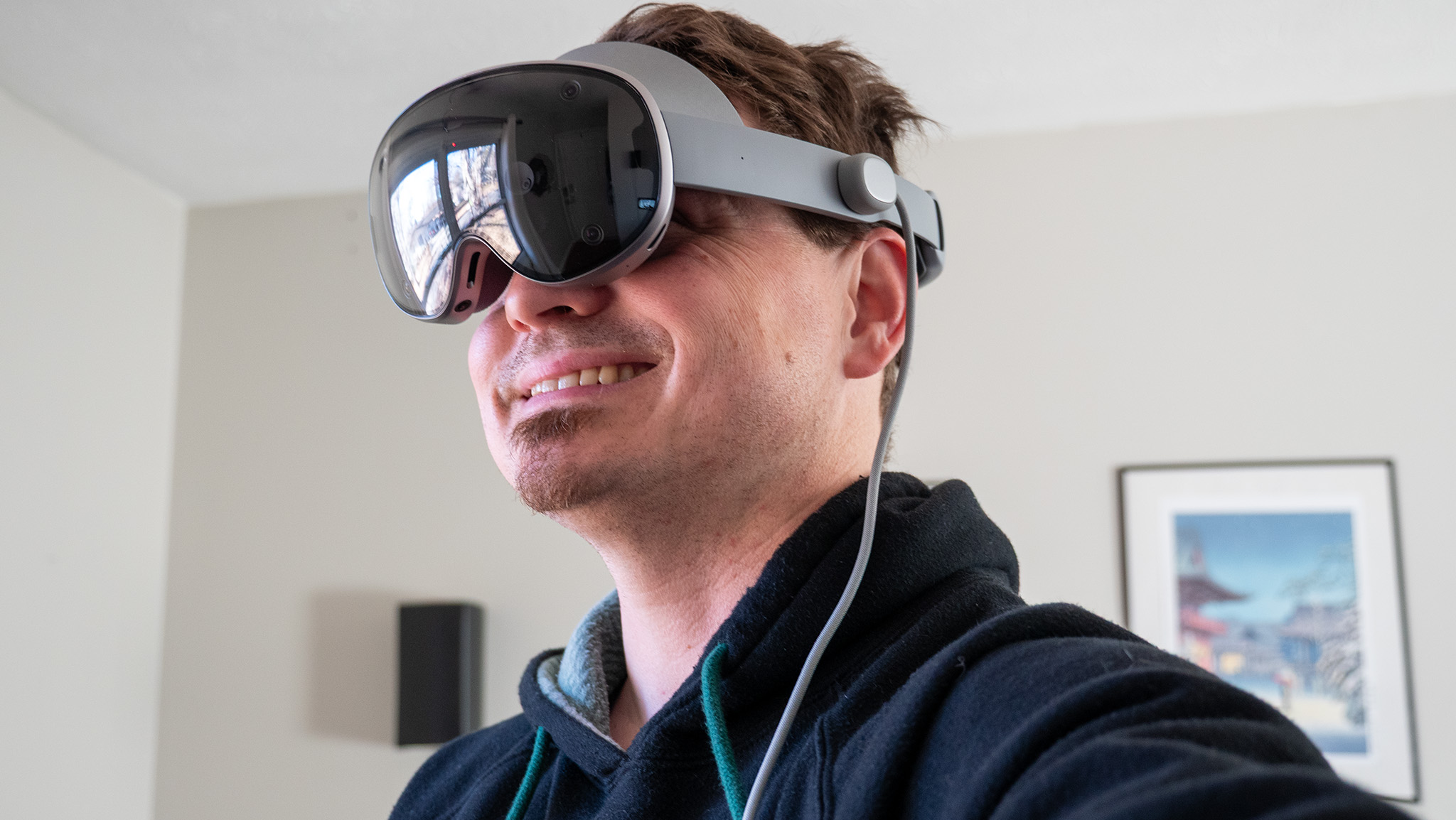
The Galaxy XR has become my go-to device for multitasking. While the headset seems to be marketed more toward entertainment like watching immersive MLB or NBA games, the Olympics, and more, I’ve found that I keep coming back to it to run my favorite Android apps and experiences in a larger, more comfortable way than my phone or tablets can provide.

But what if you want to go bigger than this? Streaming a desktop PC to the Galaxy XR can be done in a number of ways, but the two “official” ways of doing it are quite restrictive. Samsung’s official app requires a GalaxyBook laptop — I don’t know anyone who owns one of those — and the official Android XR PC Connect app is a surprisingly slow, laggy experience.

That means the only good option is the famed third-party streaming app, Virtual Desktop. This one’s been around since 2016 and has evolved as wireless headsets became more commonplace. It can be used for simple “2D streaming” of your desktop and standard games or apps, but it really shines when you boot up a PC VR game through SteamVR, especially with an impressive new feature that’s perfect for the Galaxy XR’s hardware.

How is Steam Frame streaming different?

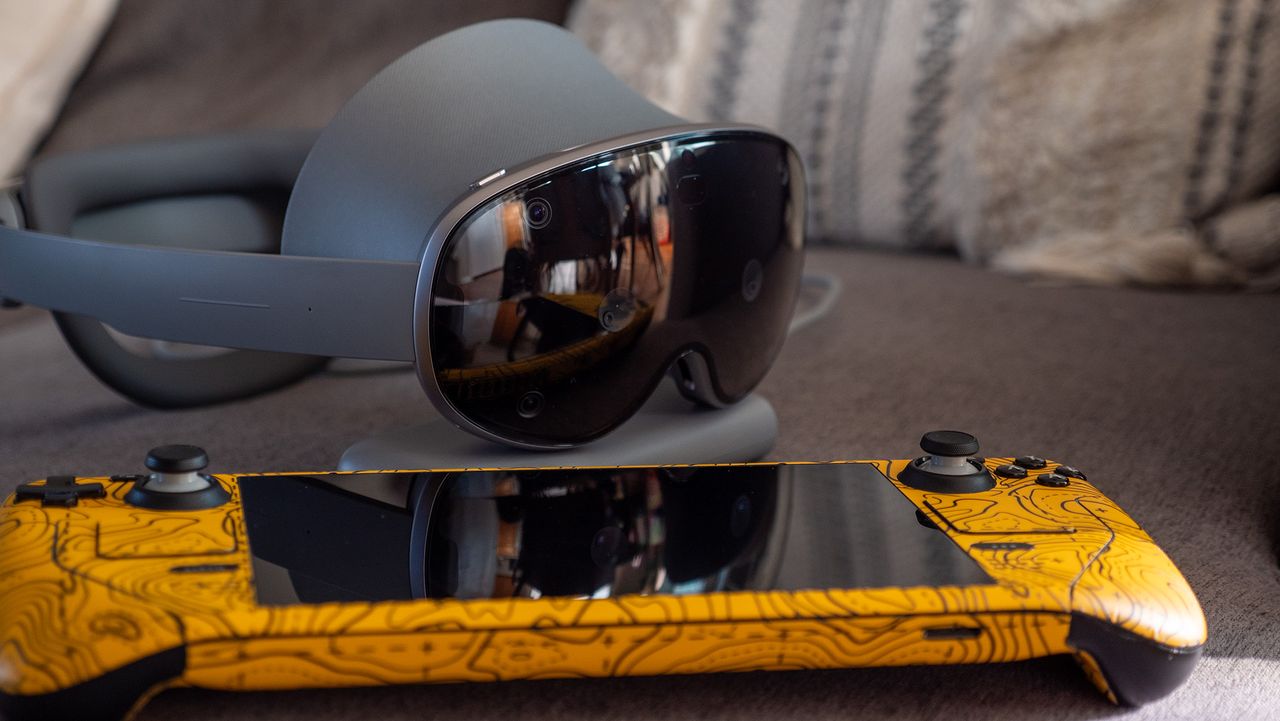
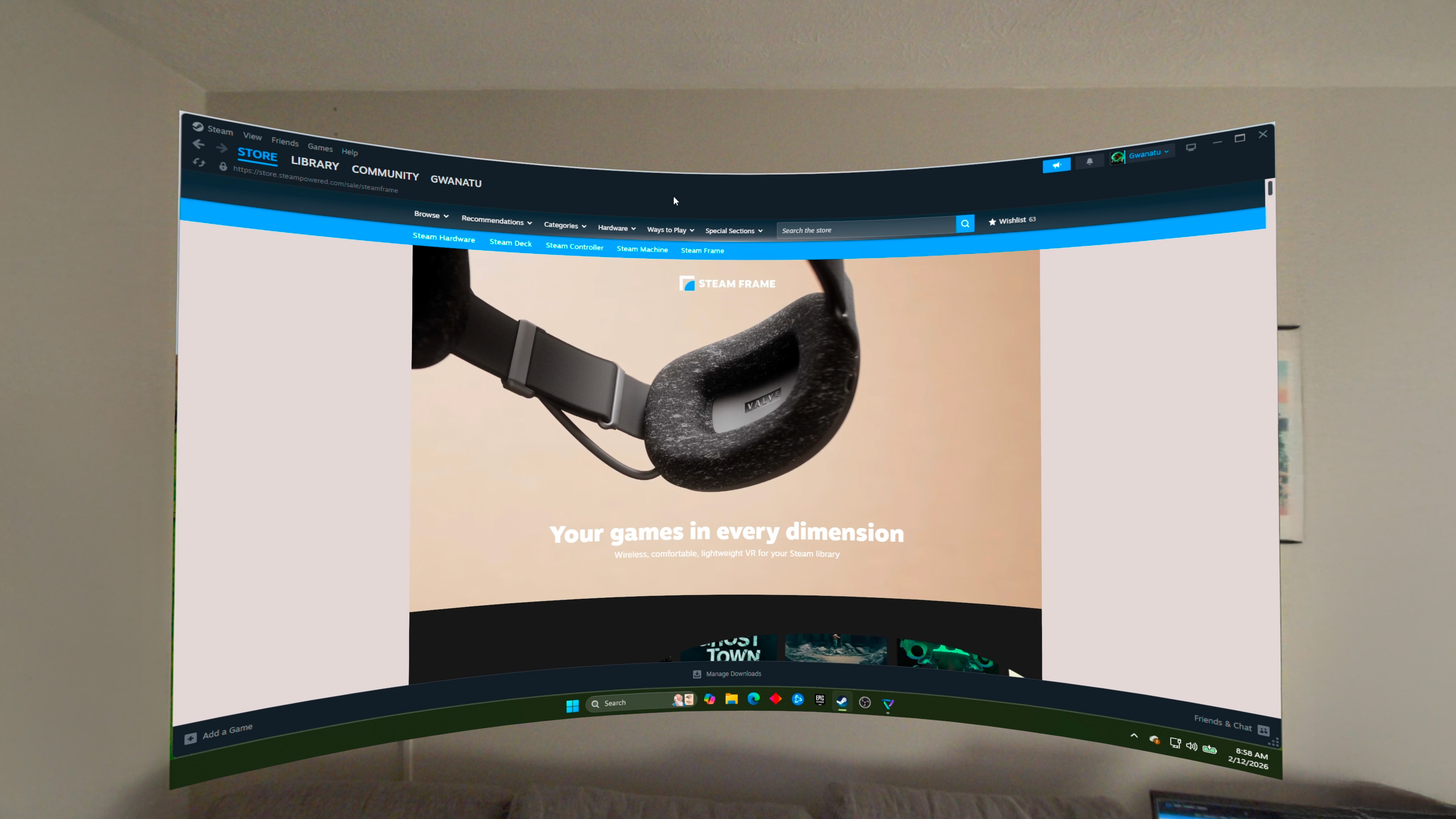
Valve’s Steam Frame is basically a Steam Deck that you can wear. And while that’s certainly a cool enough proposition by itself, Valve is still uniquely prioritizing PC VR games. Instead of piggybacking off your home’s wireless network, Valve includes a USB stick that creates a specialized wireless network just for the headset. That not only helps avoid traffic jams that cause streaming quality degradation, but it also enables foveated streaming.

If you’re like most people, you’ve likely never heard of that last term, but it’s one you’ll quickly want to become familiar with because of what it can do. Foveated streaming works in tandem with the eye-tracking capabilities of the Steam Frame and keeps the highest-quality streaming right in the center of your vision, while everything else remains lower quality (since your peripheral vision can’t see it clearly, anyway) to save bandwidth.

While we thought Valve might be the first company to launch a headset with this capability, it turns out that Guy Godin, the legendary developer behind Virtual Desktop, just launched a huge update for his app that upgrades your existing headset with Steam Frame-like streaming.

Turning the Galaxy XR into a Steam Frame

Virtual Desktop

The Virtual Desktop app is a one-time $24.99 purchase that lets you stream your PC to your favorite VR headset with more bells and whistles than any comparable software provides. It supports 2D desktops, 3D movies, and even full wireless VR connectivity. Ditch the wire and go wireless, and even get the ultimate in wireless quality with the upcoming foveated rendering update!

Get it on Google Play | Meta Horizon store

If you own a Samsung Galaxy XR, Meta Quest Pro, or another headset with eye tracking capabilities, Virtual Desktop is about to become the best utility you can buy for your headset. I got to try a beta release of the new feature on my Galaxy XR this week and was blown away by the clarity it offers. The update is now available to all Virtual Desktop users as of version 1.34.16.

Surprisingly, it’s not just the quality of the visuals that gets improved with foveated streaming. Even though the center of vision is streaming in higher quality than you’ve likely ever seen from your headset, the entire stream is using less overall bandwidth than the standard streaming quality. That means your PC VR games being streamed from Steam or another platform will run more smoothly, look sharper, and will even be less taxing for your home network.

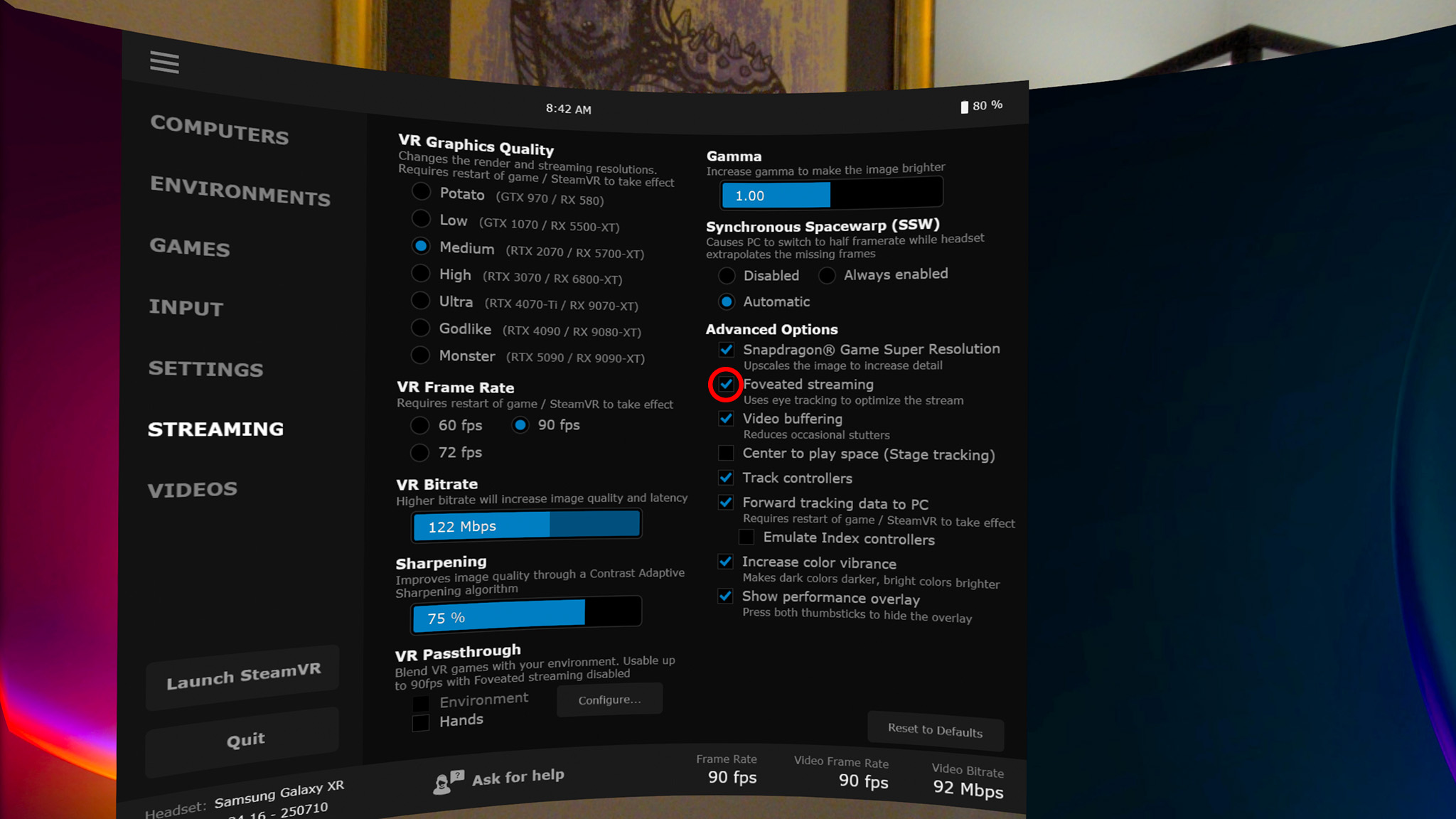
To activate it, start a Virtual Desktop session with your PC, then click the menu button on the left controller, or perform a pinch gesture with your left hand to open the Virtual Desktop menu. Click the Streaming menu on the left, then select the checkbox next to Foveated Streaming.

Everything from here on is handled automatically, though you can tweak the bitrate and graphical quality in the app if you want to control settings more granularly. This will work on any headset with eye tracking across all platforms Virtual Desktop is available on, which is excellent news for everyone’s VR headset of choice.

Now for better wireless streaming

If you live in a community building, like an apartment complex or a condo, or if you just have a million devices hogging bandwidth on your home network, you might find that wireless streaming quality leaves a lot to be desired. This is where a specialized wireless router can come in handy to create a low-latency network between your PC and VR headset.

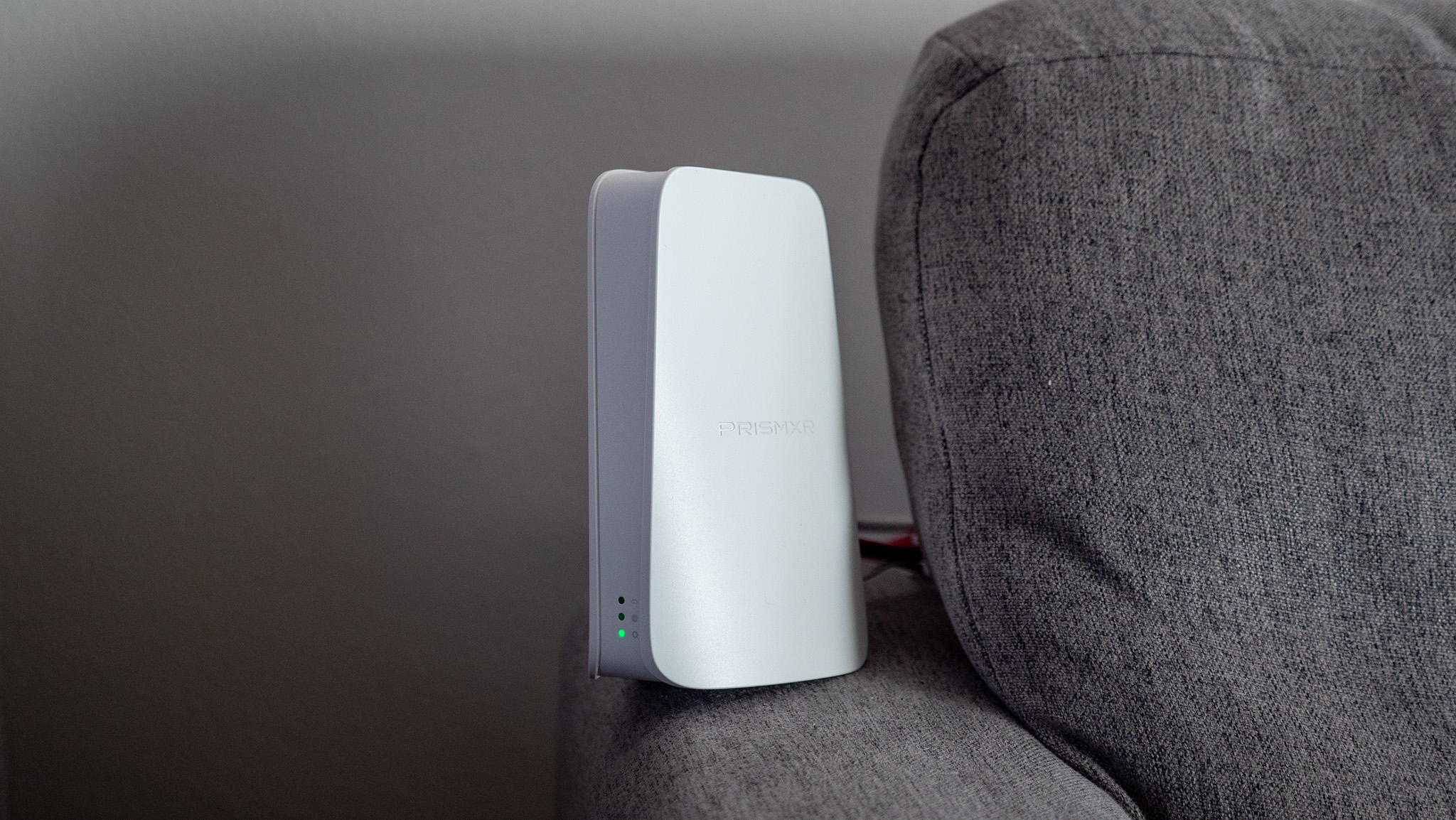
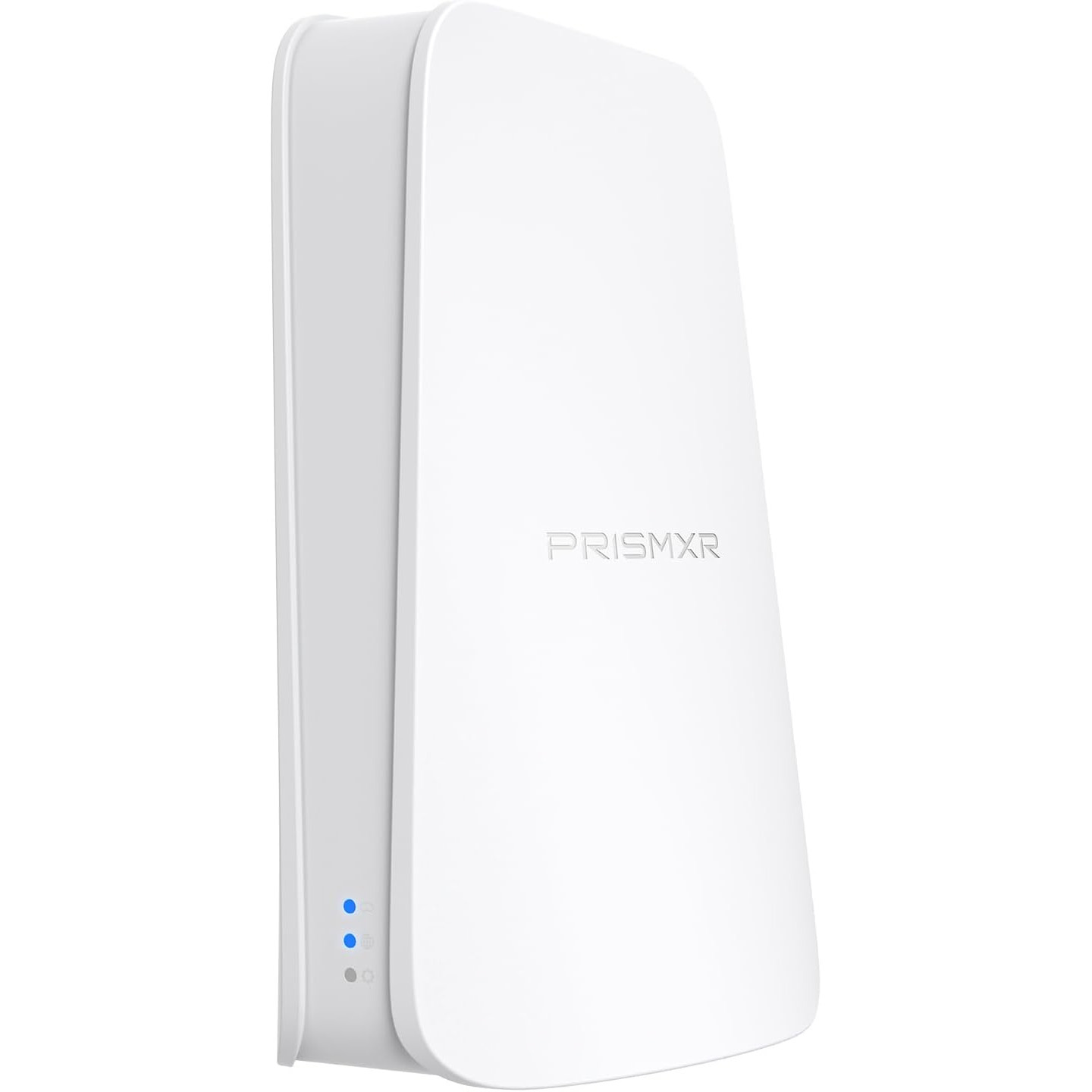
You could buy a Steam Frame when it eventually comes out and use the wireless adapter, but I’ve got a better solution that you can get right now, and it’s less than 1/10th the assumed price of the Steam Frame: the PrismXR Puppis S1.

The company sells two versions. An entry-level model, the Puppis S1 Lite, provides an AX1500 Wi-Fi 6 connection for $50, and an upgraded model that provides an AX3000 Wi-Fi 6 connection for $80. The cheaper model requires a wired Ethernet connection to your PC, while the more expensive model offers a USB connection and additional wireless capability.

I used the original model a few years back and generally wasn’t impressed with the package, which I thought required too much tinkering for my liking, but the company’s upgraded software and newer hardware models are a completely different experience.

The Puppis S1 and S1 Lite both work with any VR headset you might own, so it’s just as great for Meta Quest 3 owners as it is for folks owning a Galaxy XR.

The S1 Lite is the simplest experience and the one I’ll focus on today. You plug the included power adapter into it, connect one ethernet cable from it to your router, then plug the other ethernet cable into your PC. Any configuration you need to run is done via the PrismXR PC app, and it lets you set a wireless network name, password, tweak several other options, and scan for the best wireless signal available.

That last part is paramount to ensuring the unit performs at its best, especially if you live in a community building with a ton of different Wi-Fi networks. A one-tap scan utility will take about 60 seconds to check dozens of different performance parameters and make suggestions to improve any problems you may have. My initial scan found about a half dozen issues, all of which were one-click fixes. It’s extraordinarily low effort to set up, something I’m not accustomed to with PC VR gaming.

From here, you’ll connect your headset to the hotspot the Puppis S1 makes, then launch Virtual Desktop (or your other favorite streaming app) to connect to your PC. I noticed an immediate improvement in wireless latency and performance compared to my home router, and this is the exact same experience I expect to see from the Steam Frame’s included wireless dongle.

Undoubtedly, Valve’s Steam Frame will be the easiest way to get all this done for someone who may not have a VR headset with eye tracking, but the rest of us who are already loving our headsets can get a quick upgrade without having to wait for the RAM crisis to end so Valve can finally release the Frame.

Like this article? For more stories like this, follow us on MSN by clicking the +Follow button at the top of this page.
One-third of Britons fume when people put calls on loud in public but majority won’t tell them off

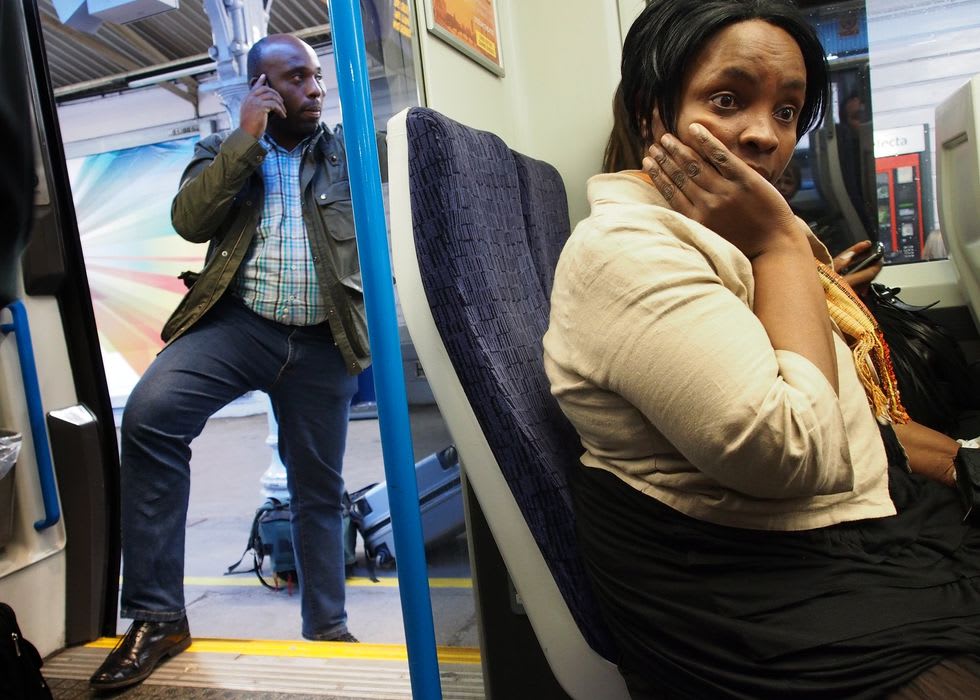
One-third of Britons fume when other people put their phone calls on loudspeaker in public but the vast majority won’t tell them off, according to new research.

Samsung Electronics quizzed the nation to find out what really grinds Britons’ gears, revealing that everyday irritations can quickly bubble over.

The survey found that four in 10 Brits admit it can take just one small thing to push them over the edge.

Specifically, commuters who listen to music or videos out loud in public ranked highly among the biggest annoyances (33 per cent).

Loudspeaker phone calls also featured prominently, with many saying the behaviour feels inconsiderate in shared spaces.

These findings echo wider concerns highlighted by the BBC, which reported in August 2025 that Transport for London (TfL) is actively targeting “disruptive behaviour” from passengers who play music or take calls on loudspeaker.

TfL said most bus and Tube users consider the behaviour a nuisance, with some finding the extra noise stressful or overwhelming.

Research conducted by TfL found 70 per cent of passengers surveyed said films, music and calls played out loud were a nuisance, which prompted a poster campaign urging travellers to use headphones or hands-free kits.

The posters first appeared on the Elizabeth line, followed by a wider rollout across the network.

BBC reporting also highlighted how the issue affects staff, with bus drivers and rail workers describing loud phone use as distracting and disruptive.

In one case, a driver asked a passenger to turn down a video, only to be insulted before the person stormed off the bus.

Passengers told the BBC they often feel too uncomfortable to intervene themselves, instead choosing to move seats, get off early or simply endure the noise.

While enforcement powers do exist, including the ability to remove or fine passengers, they are rarely used.

This sentiment is backed by the Samsung Electronics research, with 70 per cent saying they’re aware they’re nearing boiling point, they just cannot always address the issue with the source of the annoyance.

The research also suggests frustration is often kept quiet, with over half (59 per cent) believing people are nervous to admit when they’ve been pushed to breaking point, particularly when the trigger feels small or trivial.

However, once Britons hit boiling point, it lingers for some.

Almost two-fifths (38 per cent) admit it takes at least 10 minutes to cool down, while fewer than one in ten say it can ruin most of their day.

For a smaller but significant group, frustration doesn’t pass quickly at all, lingering for hours or longer.

Half the population say tiredness has a major impact on how easily they get irritated, making small issues feel far bigger than they should.

Despite the long list of shared gripes, frustration isn’t always expressed openly.

Many Brits admit they are more likely to stew internally than confront someone, particularly when the annoyance comes from strangers.

More than half of Brits (51 per cent) agree it bothers them less when friends do irritating things than when strangers do, while only a small minority (10 per cent) say they would actually challenge someone they don’t know.

When ranking themselves against peers, 32 per cent admit they feel they have a lower annoyance threshold than others.

Together, the findings suggest a nation united in quiet irritation, deeply annoyed by noisy behaviour, yet reluctant to speak up, as loudspeaker culture becomes an increasingly common feature of public life.

Our Standards: The GB News Editorial Charter

National League takeaways: Killing time, Rory Beggan staying home, Monaghan’s missed goals and Down’s need for efficiency

Kill time or get the thing going?

Goalkeepers killing time against the wind is the oldest trick in the book – but is it still as effective as it once was?

One of the features of Donegal’s first half display against Mayo was that, unlike many teams playing against the wind, they sought to keep the game alive as much as they could.

That was a sign that they feel the road to control is through keeping the ball in play rather than relying on possession from kickouts.

Gavin Mulreany had eight kickouts into the wind. Other than the one delayed by the introduction of Mayo sub Conor Loftus, Mulreany took the other seven relatively quickly. Two of his first three, he had the ball gone inside nine seconds, and the other took 16 seconds. The next three took 23, 22 and 25 seconds respectively.

Shane Murphy and Galway rookie Eamon McGrath operated along pretty similar lines in their clash. Stoppages aside, only three kickouts by the two of them combined were taken more than 30 seconds after the ball had gone dead.

When Galway cut the gap to a point late on, rather than invite pressure, Murphy got the ball to tee and away after 16 seconds. It ended with Dylan Casey pushing the lead back out to two, and ultimately helping salvage a draw.

That was a feature of Kerry’s play last year. Go back to the All-Ireland quarter-final against Armagh. Rory Grugan has just put the ball in the top corner. By the time the TV footage is going to a replay 11 seconds later, Shane Ryan is in the act of kicking the ball out. 16 seconds later, Seanie O’Shea has the ball between the posts at the other end.

Roscommon did everything in their power to slow up and disrupt Armagh’s comeback.

13 of Aaron Brady’s 16 undelayed restarts in the second half took more than 28 seconds, with nine of them kicked more than 30 seconds after the ball had gone dead.

Brady walked after loose footballs when others were sitting at his post. He twice received treatment from the physios, once in either half at times when Armagh were in a spell of dominance.

Despite the audible protestations of the visiting team’s sideline and supporters throughout the second half, referee Niall Cullen didn’t act.

Slowing up the kickouts frustrated Armagh and, crucially with the hooter at play, ate into a clock that has less sympathy now for that than ever. It’s either running or it’s not, and on kickouts, it is.

Even if you get away with the time, by slowing the game you’ve invited the opposition to get their setup exactly right.

It didn’t help Roscommon in terms of actually winning possession from the kickouts but it frustrated Armagh, ate their time and broke their momentum.

Beggan staying home for Monaghan and goal chances spurned

IT could be the nature of an early-season game in Croke Park, but even the week before there was a notable downturn in the number of attacking involvements Rory Beggan had for Monaghan.

Croke Park in February can make a game move up and down much faster than the legs might carry any man 100 yards each way every time there’s an attack.

But it was interesting that even when they had the wind in Dr Hyde Park the week before, he only joined two attacks in that first half. He didn’t touch the ball in either, although his decoy run through the arc in the first helped open a gap that resulted in a goal that was ultimately disallowed for a square ball.

It was just past the hour mark in Healy Park when Niall Morgan joined his first attack for Tyrone against Cavan at the weekend.

The change of the 4v3 rule midway through last year’s league led to a very sudden downward trend in terms of goalkeeper involvement.

In the league, both sides of that rule change, goalkeepers received an average of just under 10 passes per game and were taking 0.6 shots per game.

By the summer’s Sam Maguire Cup games, that was down to just 1.4 passes and 0.2 shots.

A goalkeeper joining the attack now is doing so at the expense of an outfield player rather than to supplement them, which has left managers questioning the point of it.

Even when Monaghan were chasing scores late on in Croke Park on Saturday, Beggan never left his arc. Even his positioning on Dublin kickouts was much deeper than in the past. The two-point threat he carries from frees remains. The hyper-awareness of it from opposition teams has led to Monaghan being able to build attacks around the edge of the arc free of much contact, because defences are so scared to foul and give away what are effectively tap-over frees to him.

Monaghan are learning the hard way when it comes to goal chances. They’ll be delighted to have created seven of them but perturbed that they took none.

They left four behind them against Donegal in Croke Park last year. Their goal was fortunate in the sense that Micheal Bannigan completely scuffed the shot, deceiving Shaun Patton.

In Salthill the year before, they had Galway on the rack when Barry McBennett struck the underside of the bar. 2023 and Dublin, the early chances that fell to Conor McCarthy and Ryan McAnespie.

They are making them, they just have to start taking them.

Down efficient but still learning hard lessons

Not that they’ll be thinking this way at all but with Donegal coming down the tracks, Down would know if their heart of hearts that leaving their status as a Sam Maguire team to the events of that afternoon would be taking a big risk.

This is a big year for Conor Laverty’s team. Year three under the Kilcoo man, they’ve made very definite and pretty rapid progress.

But opportunities are finite and they’re at the point of probably needing a big win now to put another layer on the moral victories of their performances in last summer’s All-Ireland series.

In that regard, Saturday evening was massive. Westmeath have been in their eyeline for all of Laverty’s time in charge. It still feels as though the most likely endgame for Division Three is as it was two years ago, the two of them meeting in the final.

What Down have become really good at in terms of winning these games is being efficient in front of goal. They have to be so careful to protect that.

In between Odhran Murdock flinging their first shot wide and John McGeough being deemed to have fouled the ‘keeper on Pat Havern’s dropping fisted effort that ended the first half, Down scored all of their 11 shots, racking up 1-10.

But it let them down in the second half, alongside moments of poor decision-making. Barry O’Hagan had a tapover free from 20 metres but decided to go short to Adam Crimmins in search of a goal. They got turned over and seconds later, the ball was in the back of the Down net instead and the gap was down from six to three.

They scored 1-5 from 12 shots in the second half. Their totem Murdock kicked 0-3 but was responsible for three of their four wides on the night.